
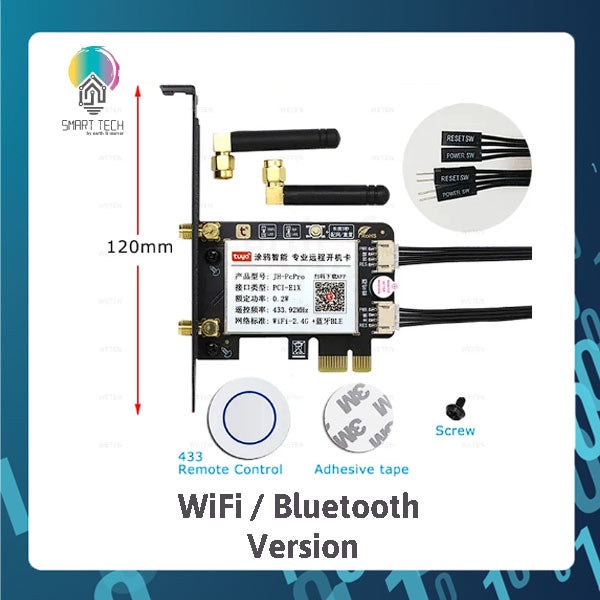


SMART TECH® Tuya Smart WiFi or Zigbee PCIe Computer switch. With Child lock and RH433Remote for start and stop
Product Details
ATTENTION: "Tuya Zigbee" Card should work with Tuya Zigbee Hub, NOT support Zigbee2mqtt.
Battery type: CR2032
PC Smart Power Switches:
Features:
1. Easy Installation
Standard PCIe port, work with most desktop computer. Install to use, don't need any driver software.
2. App Remote Control
Control your computer on Tuya App anytime anywhere. Always know the computer status on App. ** Zigbee Required Gateway to work.
3. Wifi+Bluetooth ( **Only for WiFi version
When wifi is disconnected, you can still control your PC on Tuya App through bluetooth connection but you need to be within phone Bluetooth range.
4. Voice Control
Work with Alexa Echo, Google Home Assistant, easy to control your PC with simple voice command. Via integration / Skills.
5. Reset And Force Reset
Not only "Power on/off" function, it also support "Reset and Force Rest" function, avoid harm to your computer system.
6. 433RF Remote Control
Hard to reach the computer power button? The "Tuya PRO" card come with a 433 Remote Control, just put it on the table or anywhere you want.
If the computer turn on automatically after it's turned off, here are possible solutions:
1. On computer, go to WINDOWS settings and "Power Options", change the option "When Press on Power button“ to "Shut Down".
2. On computer, go to WINDOWS settings and "Power Options", enable the option "turn on fast startup".
3. On computer, go to BIOS settings / Anvanced / APM Configuration, change the option "ErP Ready" to "Disabled" status.
4. On computer, go to BIOS setting/ CPU configuration, disable the "Deep sleep" option.
5. If your computer use "Wake on Lan", please close it.
How to connect the 433 Remote Control
1. In Tuya App, open the "RF study" function in device setting of the card.
2. Short Press on the Remote Control, connection succeeded.
How to disconnect the 433 Remote Control with "Tuya PRO Card" and "USB PRO Card"
Long press the "Reset Button" on computer case, you will hear "di", "di", "di-di", "di-di-di", "di-di-di-di", release the button
When hear "di-di-di-di", then all 433 Remote Control connection is deleted.
Q&A
1.The manual power button on PC case can work or not after installing this card?
Yes, the power button on PC case and App can be used at the same time.
2. Can I use the App to control PC when I'm out for vacation or bussiness?
Yes, the app will work on 2.4Ghz WPA/WPA2 WiFi connection.
3. Can I control PC on App through bluetooth connection when wifi router is offline?
Yes, when wifi is offline, just need to open the phone bluetooth, then you will be able to control the PC on App.
** Only for WiFi / Bluetooth version
4. Does it need a gateway or hub?
WiFi can be direct connected to 2.4Ghz network
Zigbbee requires a Tuya Zigbee hub.
Carry In Warranty
Return defective products to us within 7 days of receipt. We offer carry-in warranty service with a 7-working-day repair or replacement resolution upon validation.
Remarks
Unsure if compatible? Message us before purchase to check it works with your smart home setup
Related items
Smart Switches
Smart Plugs & Socket
Smart Light
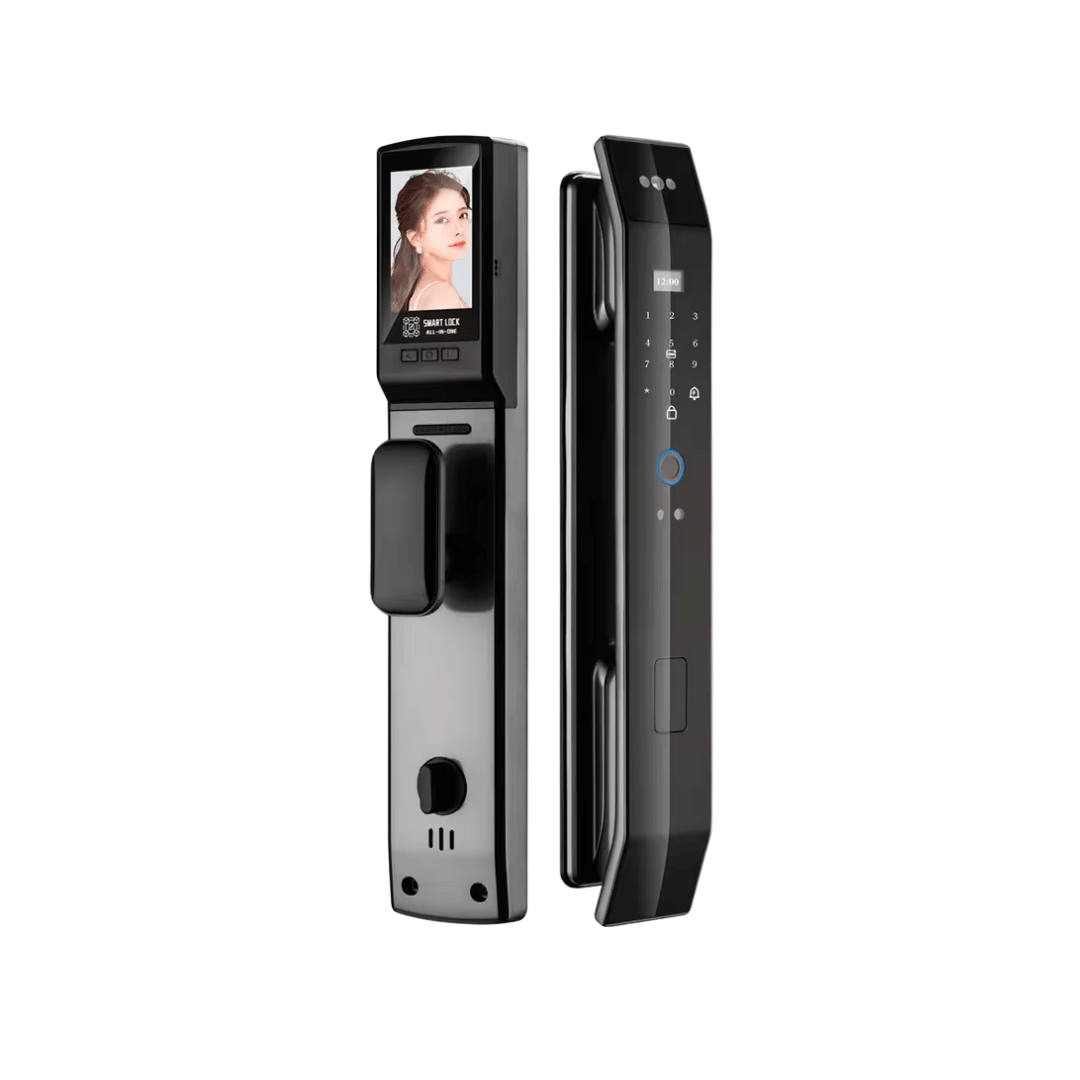
Smart Lock & Doorbell